How to Install Plagius
Before installing the program, you must download the installation file.
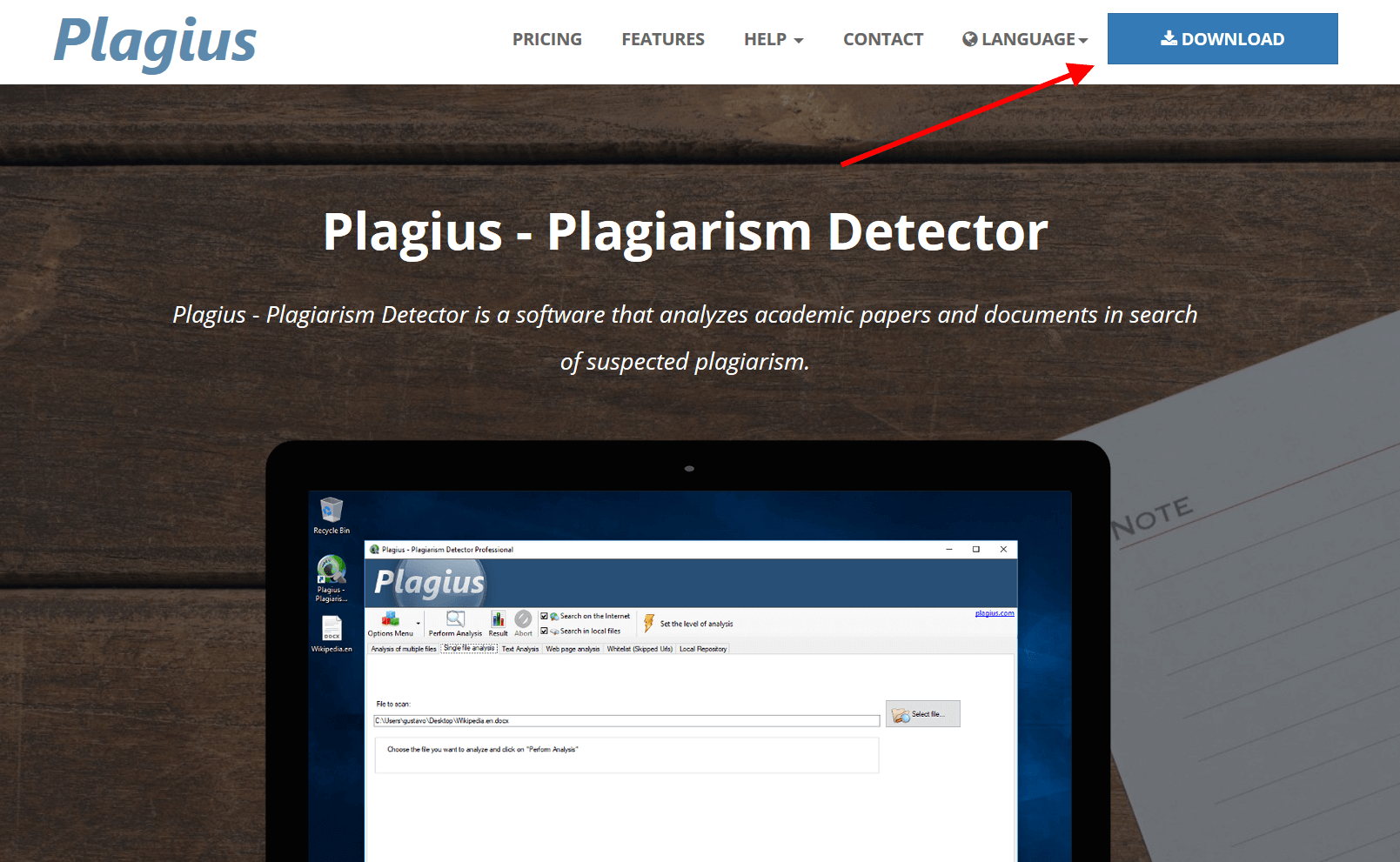
To download and install Plagius, go to www.plagius.com. In the upper-right corner, click the Download button:
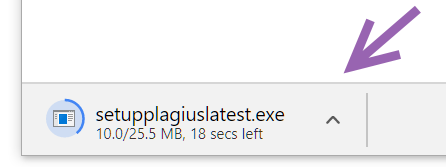
When you click Download, your browser may start downloading the file automatically or ask whether you want to save or run it. Choose the option to run it. If you prefer, save the file and run it later.
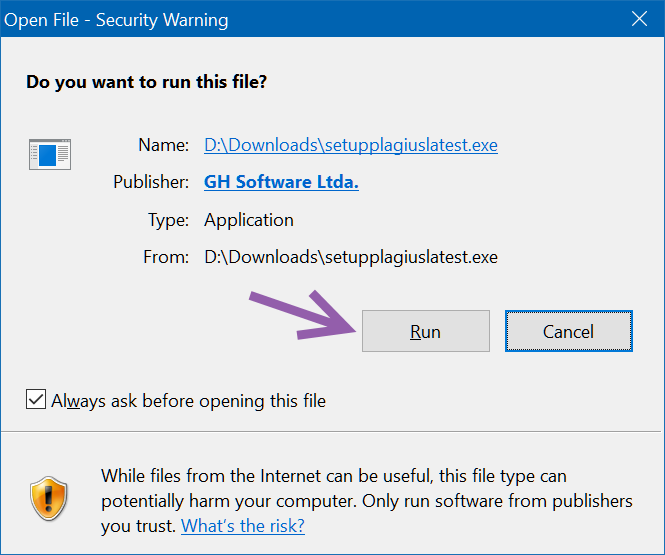
You may see a security message when running the downloaded file. In this case, click Run/Executar. The message may vary depending on your operating system version.
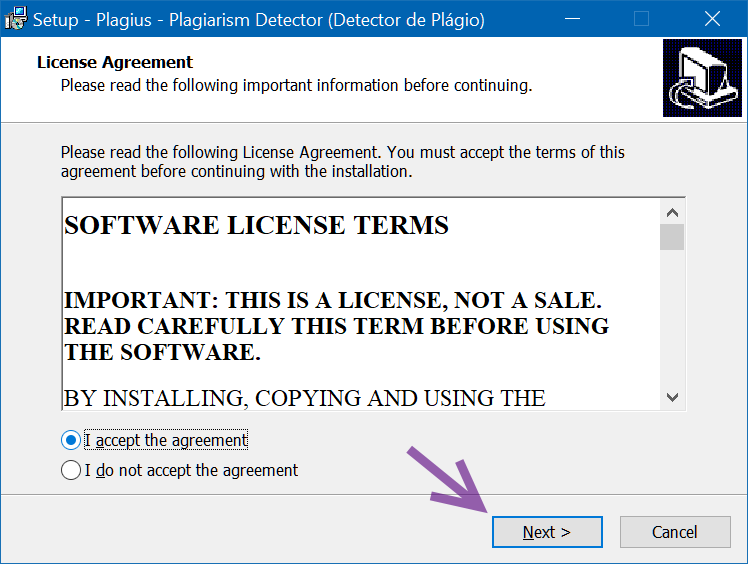
After opening the installer, continue through the next screens keeping the default options, as shown below.
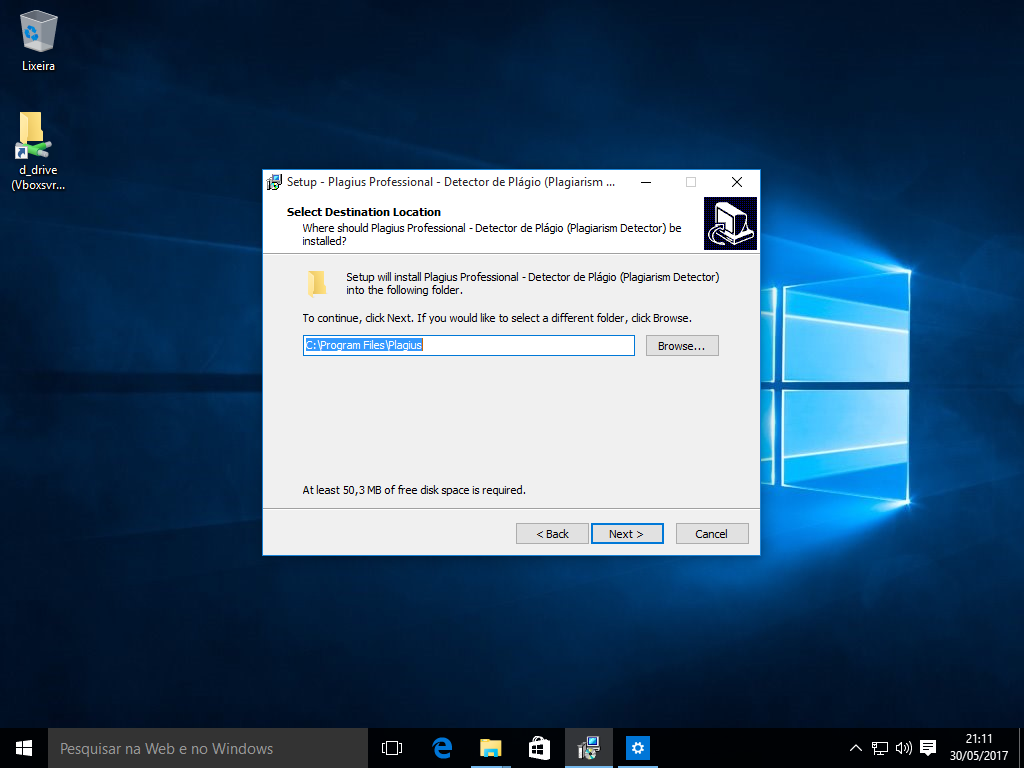
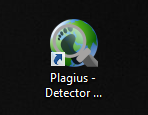
On the next screen, keep the option checked so a desktop icon is created:
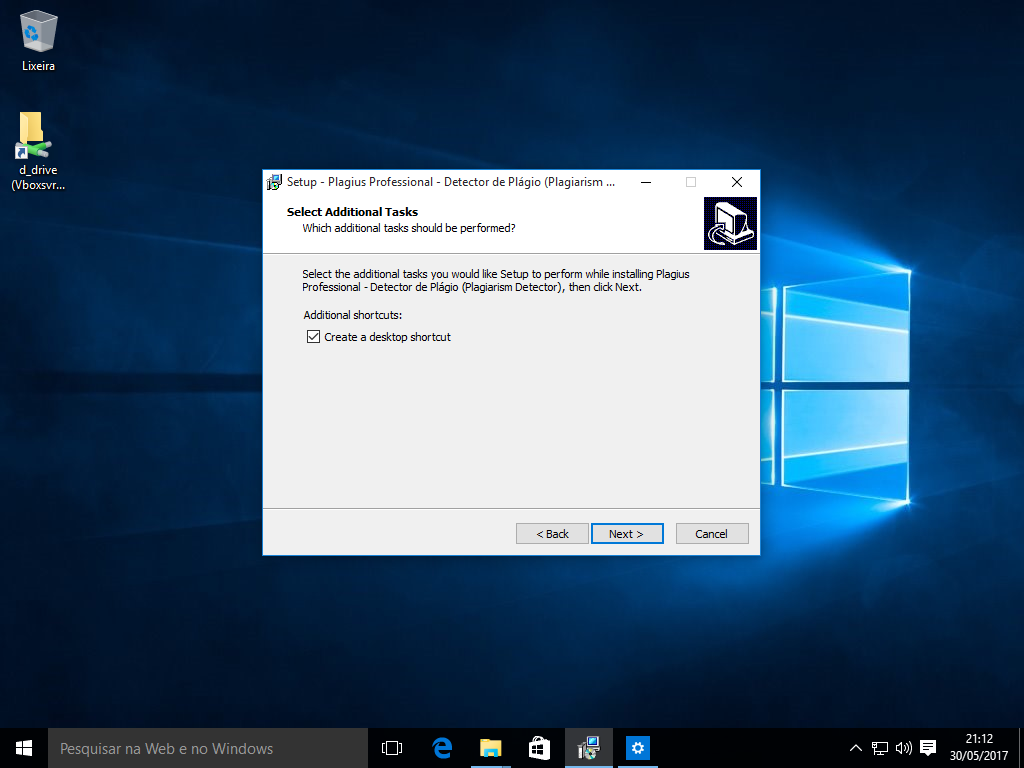
The icon should appear on your desktop as shown below:
On the following screen, click Install to start the installation.
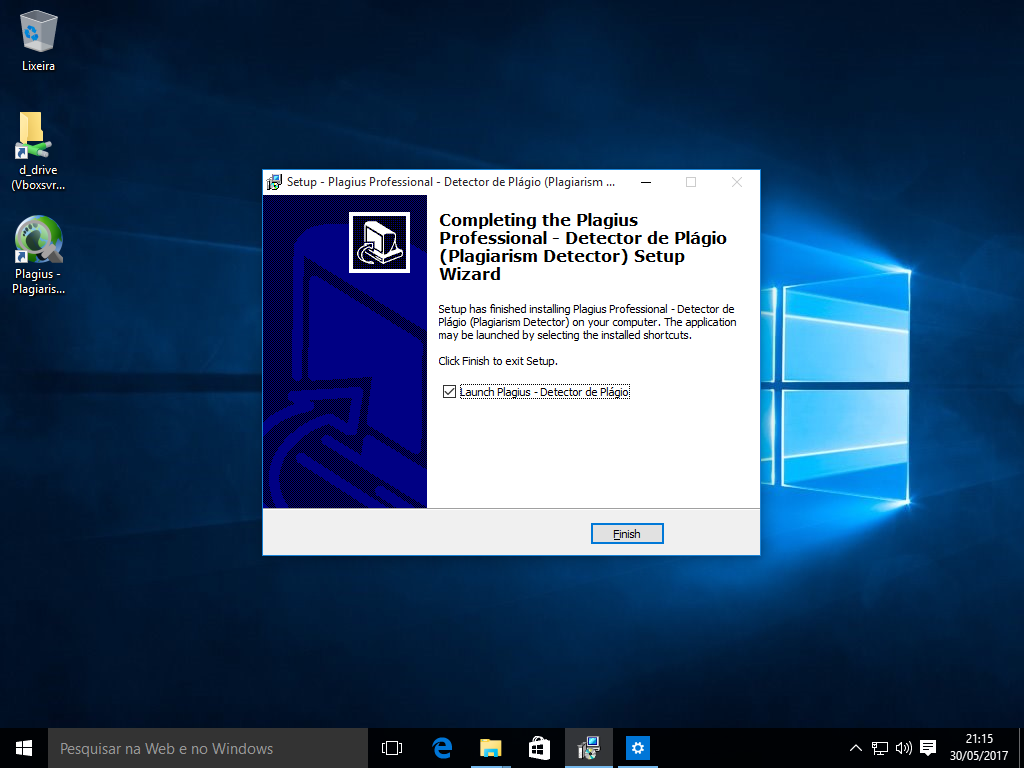
Installation completed!
After the installation, Plagius will be ready to run.
At this point, even without entering an activation key, Plagius will work as a trial version with usage limitations. To remove those restrictions, you must purchase a license and enter the activation key.
If you have already purchased a license, you should have received an activation key by email in the format xxxxxx-xxxxxx, for example: 123456-123456.
To activate Plagius, run the program, click Options Menu, and then click Activate Full Version.... In the window that opens, paste the activation key. The program will then be ready to use.
In the Plagius user manual, you will find more information about how to use the program.